

One element that will be needed in the game is a simple bin model – an American-styled metal ‘trash can’, complete with lid. This asset could be useful in levels, or in the title screen – which we have envisioned having a bin with the raccoon in it!
I am using 3DS Max to model and map this asset
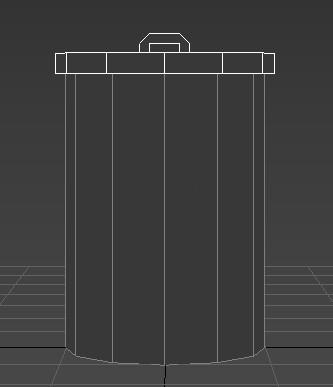
This is my simple bin model to start – the ‘body’ and ‘lid’ are separate pieces, so can be removed from one another, and the lid is designed to be slipped on and off with ease. the shape is simple, and low poly, to fit the likely game design
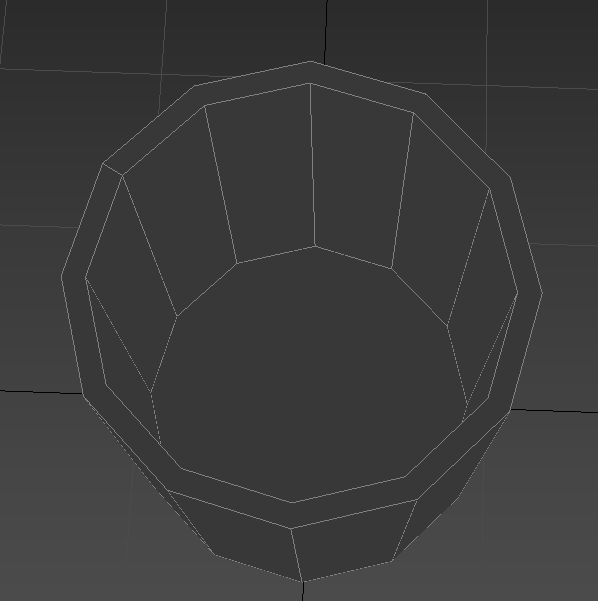
This shows inside the bin – it is hollow, so it can contain items or other models, and for the sake of ‘realism’ if the camera was to look inside the bin – so, it isn’t one solid object

The lid is also partially hollow – designed to slip over the top of the bin, in order to allow it to come off easily, while not simply sliding off if we are to implement physics

Here is what that model looks like with a simple ‘metal’ noise texture is applied, without a UVW map, or any kind of ambient occlusion, normal or specular maps. As you can see, it is less than appealing to look at – so, I will need to unwrap my model

Here is the main body of the bin, complete with seams – represented by the green lines
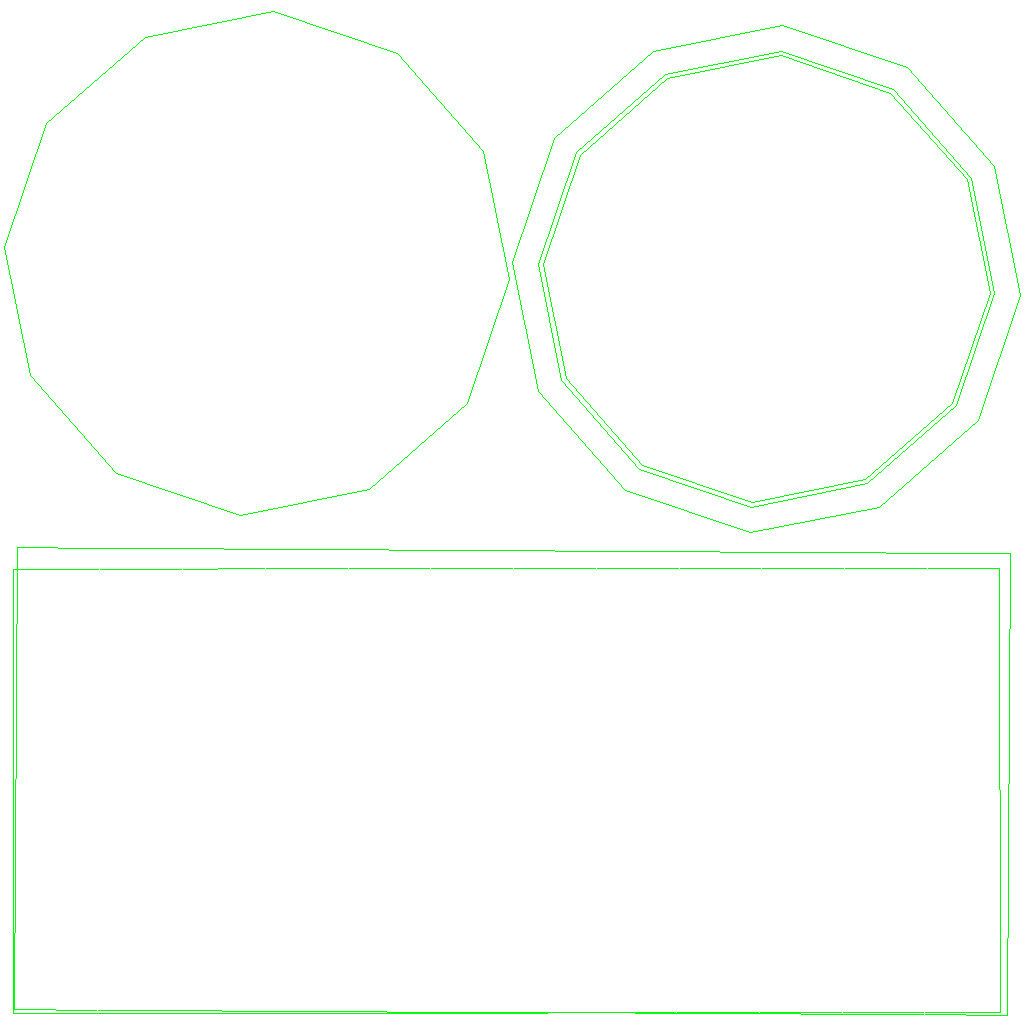
And here is the UVW map – the two rectangles represent both the outside and inside of the bin, whereas the circles are for the bottom of the bin (inside and outside), and the ring is for the rim of it. I can then place this into photoshop and map it myself

Here is the lid, also showing the seams – both on the handle and main lid

Here is the UVW map for the lid – it looks more complicated due to the more complex geometry, despite being smaller – but, when modelling, it shouldn’t be too difficult to work with
These are my completed diffuse maps, complete with metal texture, for both the main bin and its lid. To make these, I used photoshop, as well as metal textures I found online

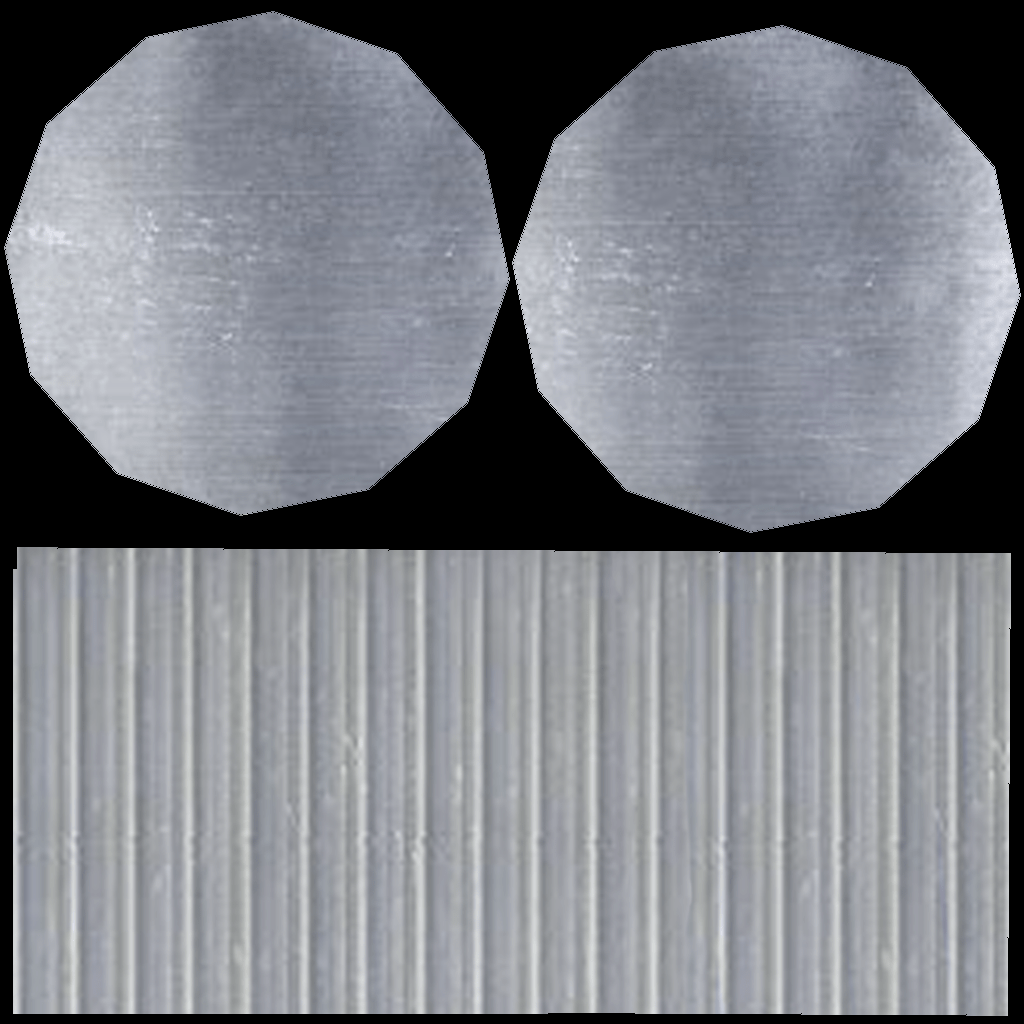
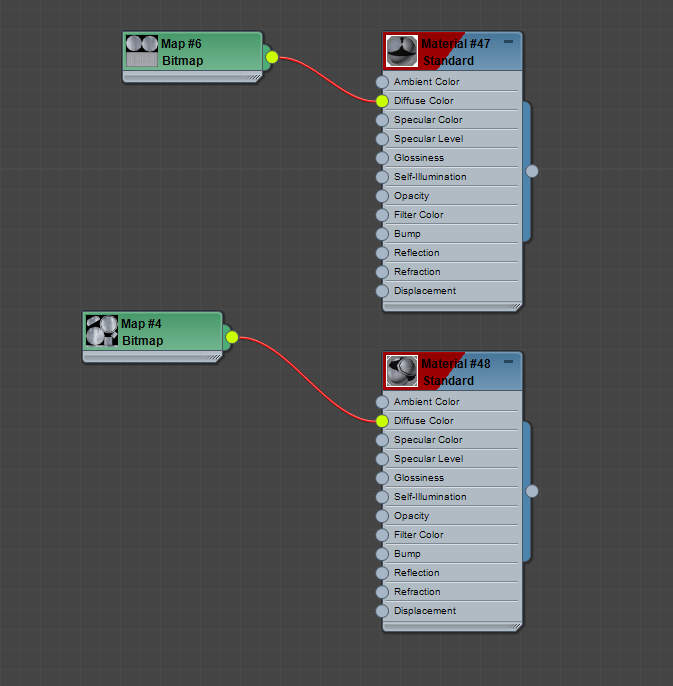
Here they are placed in the material editor, under ‘diffuse colour’ and ‘bitmap’

As you can see, the bin still looks wrong, and rather flat – that’s what the other types of map are for!
In order to save myself time, I will be using a generator for my normal, specular and ambient occlusion maps on most all of my models – it can be found using this link: http://cpetry.github.io/NormalMap-Online/
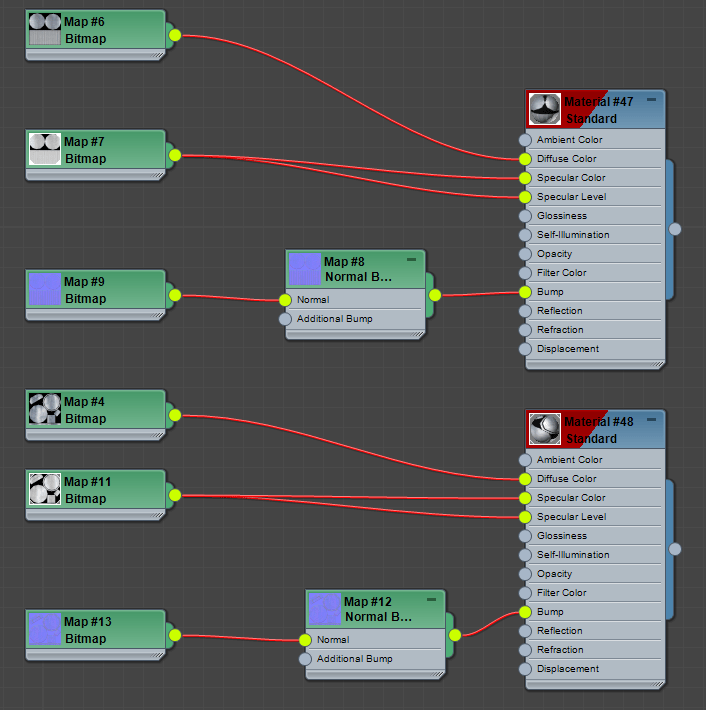

Here is the material editor as shown now, along with a render of the bin, now factoring in the others maps – it looks far more textured than before!
 Raccoon Game