

Over the past several weeks, I have been working on a massive overhaul of everything within the Raccoon Game – so much so, that simply writing it all out wouldn’t do it justice – so, here is a video, showing the gameplay so far, within a minigame
This, obviously, isn’t the puzzle game I set out to design – however, a simple food collection minigame has helped the development of both myself, and the game, in several ways.
First of all, it has given me the ability to test multiple aspects of the game – from the more obvious things, such as item collection and npcs, to the things you might not think about – edits to the movement and camera scripts, for example
It has also allowed me to create a fun, finished product, while waiting on other team members to create the necessary pieces for me to continue onto the main game.
Now that that’s out of the way, you may be wanting a breakdown of what all has changed since my last update; while the above is a good overview, below will be an in-depth analysis of everything I have done for this game!
Movement:
First of all, I completely redid the movement script – changing from a badly constructed script, to the standard assets pack script – before fully rewriting my original movement script. I did this, because my first script was buggy, difficult to read, and often unreliable. The standard assets script also had many faults, and relied on many things that I either removed or repurposed – as such, a new script was necessary. My new script is far cleaner, and more reliable, than any of my previous ones.
On top of accounting for everything from walking, to jumping, to sprinting, the script also contains handlers for various other features – including the ‘scream’ you hear in the video, used to warn off enemies.
Camera:
Much like the movement script, the camera script has also gone through many changes – starting with one I found online, moving to the standard asset pack third person camera, before being completely rewritten for purpose.
The original camera script I chose was functional, but not without its bugs; the standard asset pack script was very useful, but overcomplicated, and had many bugs – the worst of which included flipping the camera around every time the player jumped – which could make it difficult to navigate mid-air.
The new camera script is cleaner, far shorter, and very easy to understand – its simplicity makes it easy to fix and edit, and ensures that its reliable.

Getting to this point was extremely complicated, and included a lot of trial and error…

…A lot of trial and error.
NPCs:
The games NPCs were one of the most complicated, but most useful, elements I managed to create; while they can, at times, behave unpredictably, they work the majority of the time, and the errors now are, thankfully, insignificant.
I created the NPCs using Unitys NavMesh functions – building a NavMesh from my game world, and making each of the NPCs Agents of that Navmesh. I used the standard asset pack NPC controller as a base, and built my own AI controller script – changing its targets based on different situations.
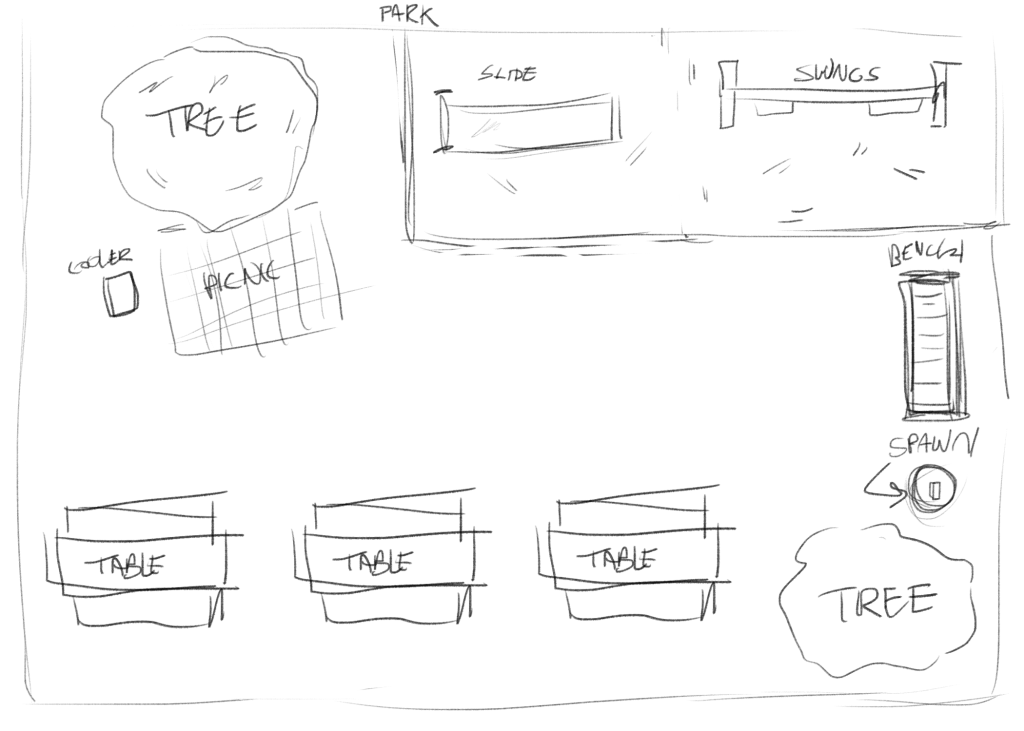
The majority of the time, the NPCs positions are randomized from multiple possible positions – once a certain amount of time passes, their position is randomized again, causing them to wander around the ‘park’.
If they spot the player, they will give chase – and, if they reach the player, they will kick them away – dealing damage, and throwing them a distance.
If they player continues to run, they will eventually lose interest, and return to wandering.
The player also has one more choice – they can press E, to screech at the humans – startling all humans in their radius, causing them to run away for a time – though this, again, wears off.
Pick-Up Items:
Pick-up items are another addition to the game – using the mouse, the player can click on pick-up items, which the racoon will then hold in their mouth. Upon letting go of the mouse, the racoon will drop the item. As such, they can only carry one food item at a time
Points:
With pick up items, they player needed something to do with them – this is where the point system comes in! In this minigame, the player must throw away the food items – gaining points based on how big the item is
Spawning Objects:
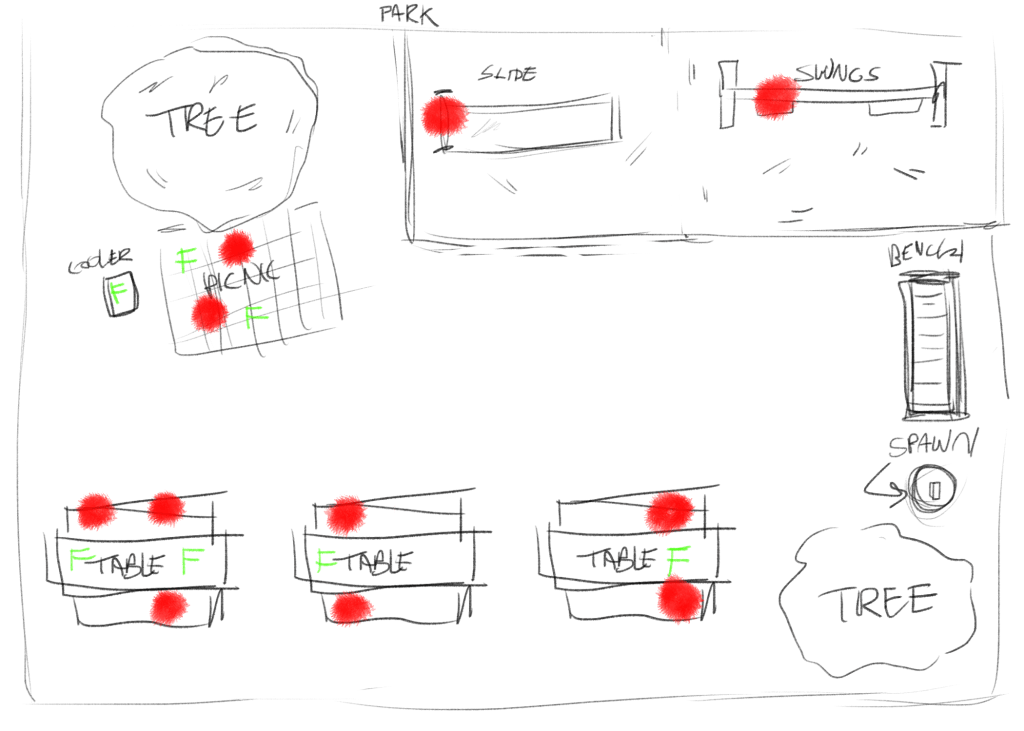
In order for the game to continue, I needed to spawn objects – currently, all food objects spawn randomly, and fall from the sky. This uses a simple instantiate script attached to a spawner, which would randomize a position, and spawn a random food item, after a random cool down – the enemies are spawned according to a very similar script
Animation and sound:
Next, I needed to make the game look a little better – using animations! I started by making some animations using Blender; I used blender, as I had some experience using this program from last year. I made animations for walking, running and jumping, and plan on making more animations in the future. I’ve thus far managed to make the animations work for the player – walking and jumping animations triggered in the movement script for each action
I used the same strategy for the sounds – I took some royalty-free sounds off of sound library SoundBible, and cut and stitched them together using Adobe Premiere, as this is a program I have lots of experience with. After this, I exported each sound as MP4, and placed them into my game files – using those clips and various audio sources, triggering them in the movement script in response to each relevant action.












 Raccoon Game